Brat White
Black text on a white background, the look from the white remix album cover. This page opens in this style.
Use Brat WhiteThis generator opens in Brat White: black text on a white background, the look from the remix album cover. Type your text, adjust the blur and spacing, then download it free with no watermark. Want white text instead? Pick it below.
Brat White Styles
“Brat generator white” can mean two different looks. Brat White is the white background with black text from the remix cover, also searched as brat generator putih. White text means white letters on a dark background. Both are free here, and the same blur, spacing and export controls work for each.
Black text on a white background, the look from the white remix album cover. This page opens in this style.
Use Brat WhiteWhite lettering on a black background for a darker brat look. One tap switches the generator to it.
Open White TextWhite brat text with no background, ready to place over a photo, video or CapCut edit.
Open Font GeneratorStep-by-Step Tutorial
Start with the wording, then style it while watching the live preview. Finish with the canvas and export settings once the design reads clearly.
Step 1
Enter the word or phrase you want. The generator starts in Brat White, so the preview shows black text on white as you type.
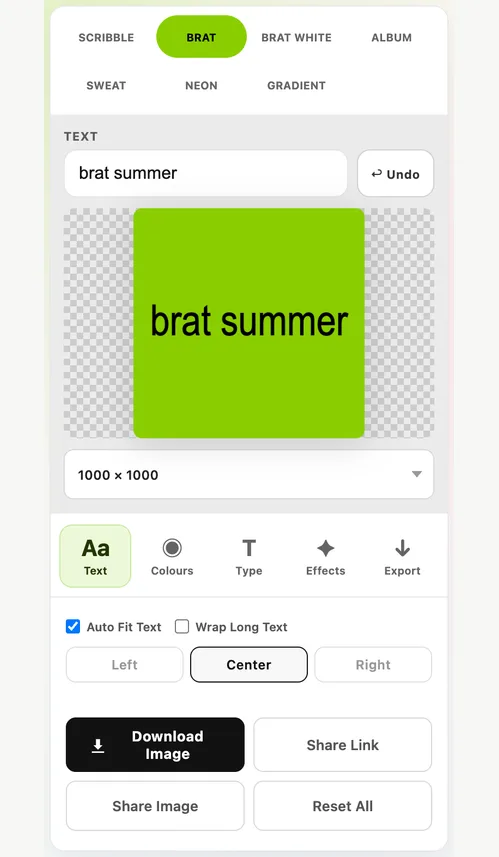
Step 2
Stay on Brat White for the remix-cover look, or choose the black swatch as the background and white as the text colour for white text on black.
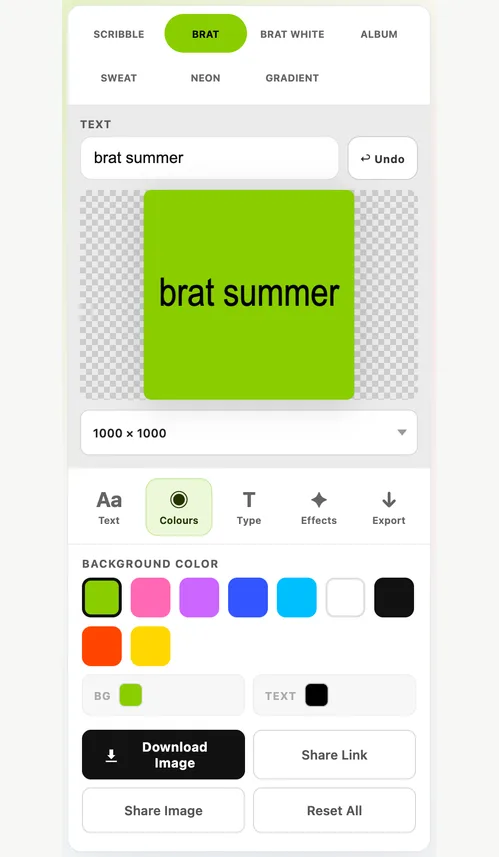
Step 3
Add a little blur for the soft brat finish, then fine-tune text size and letter spacing until the phrase sits well on the canvas.
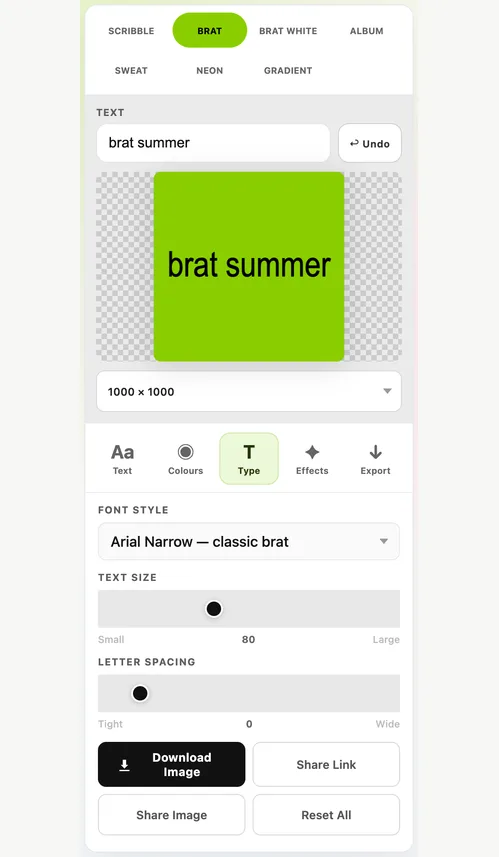
Step 4
Pick the canvas size for where the image will be used, then copy it or download it as a PNG, JPG or WebP.
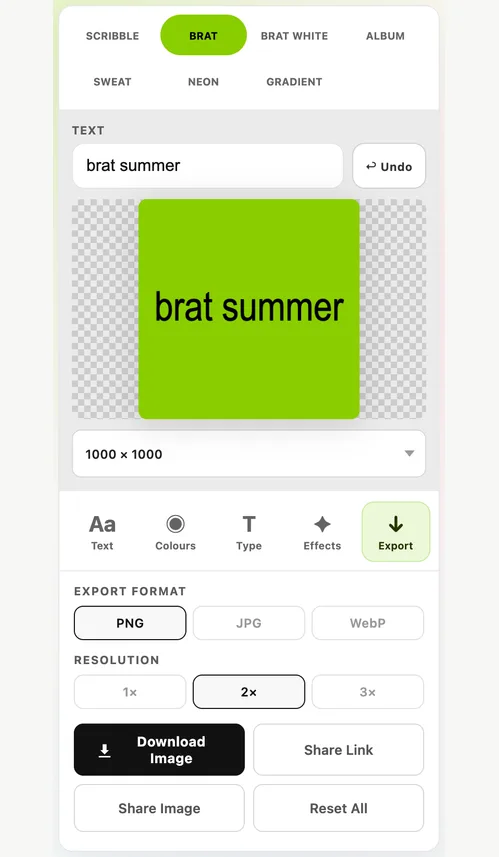
These notes explain the controls that most often change the final result.
Style
Brat White keeps the brat layout, condensed lowercase type and slight blur, and swaps the lime green for plain white.
Colour
For white text, put it on a dark background so it stays readable.
Export
High-contrast designs show every soft edge, so export settings matter.
Key Features
The main generator keeps the everyday styling, text-fitting and export controls in one place. Need help choosing a layout? The canvas size guide compares the common options.
The generator starts in the white style, so there is no setup before you type.
Switch to black background with white text whenever you need the darker look.
Soften the lettering and tighten the spacing for the authentic brat finish.
Wrap Long Text and Auto Fit Text keep longer phrases inside the canvas.
Choose 800×800, 1000×1000 and 1200×1200 square; 1080×1350 portrait; 1080×1920 Story; 1920×1080 wide; and 1200×630 banner.
Download or copy the image with no watermark and no account.
Use Cases
A clean white brat graphic suits quotes, phone wallpapers and minimal Instagram posts.
Square white brat text works as a profile picture, WhatsApp DP or group icon.
Use Brat White for playlist covers, Story slides and remix-style album art.
Quick Tips
Use less blur on white than on green; it shows more.
Lowercase, short phrases look most like the original.
Export PNG at 2× for the sharpest black-and-white edges.
FAQ
Answers about Brat White, white text, putih and downloads.
Brat White is the white version of the brat look: black lowercase text on a plain white background, as on the white remix edition of the Brat album. This page opens the generator in that style.
Choose the black swatch as the background and white as the text colour, or tap Open White Text above. For white text with no background at all, use the Brat Font Generator and export a transparent PNG.
Yes. Putih means white in Indonesian, so brat generator putih and brat generator white are the same look. The tool works the same in any language.
Tap Open White Text above, or pick the black swatch as the background and white as the text colour. That gives you white brat text on a black background. Brat White is the reverse: black text on white.
Yes. It is free, needs no account and adds no watermark to the downloaded image.
The same as classic brat: Arial Narrow, set in lowercase with a slight blur. On Android phones, which do not include Arial Narrow, the generator uses the closest built-in condensed font.
Ready to create?
Start with text, then refine colour, spacing, blur, effects, and export size.
Start Creating