iPhone, WhatsApp Web & Desktop
Open a chat, tap the sticker icon, choose Create sticker, then pick the brat sticker you downloaded. It is saved to your stickers for next time.
Make a brat sticker for WhatsApp: type your text, choose Brat, Brat White, Neon or any style, then download it as a 512×512 sticker. Free brat stiker WA, no app or sign-up needed.
Your current design, resized to 512 × 512 and saved under WhatsApp’s 100 KB sticker limit.
Brat Stiker WA
The sticker download is a 512 × 512 WebP under 100 KB, the format WhatsApp uses for stickers. Here is how to add it.
Open a chat, tap the sticker icon, choose Create sticker, then pick the brat sticker you downloaded. It is saved to your stickers for next time.
If your WhatsApp shows Create sticker in the sticker panel, use it the same way. If not, import the downloaded WebP into any sticker maker app and add it to WhatsApp from there.
Tap Share and choose WhatsApp to send the brat image straight into a chat, no sticker pack needed.
Need ideas? Try the anomali brat names, or start from the brat generator white style.
Step-by-Step Tutorial
Start with the wording, then style it while watching the live preview. Finish with the canvas and export settings once the design reads clearly.
Step 1
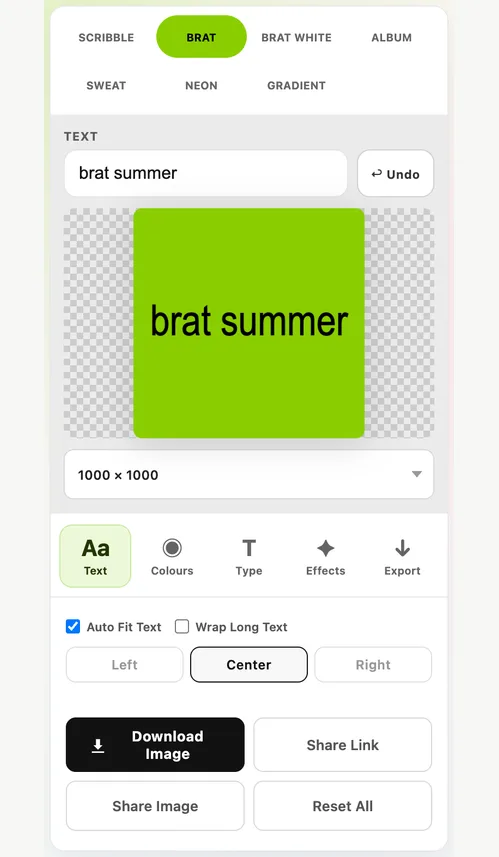
Short words make the best stickers. Type yours and watch the brat preview update.
Step 2
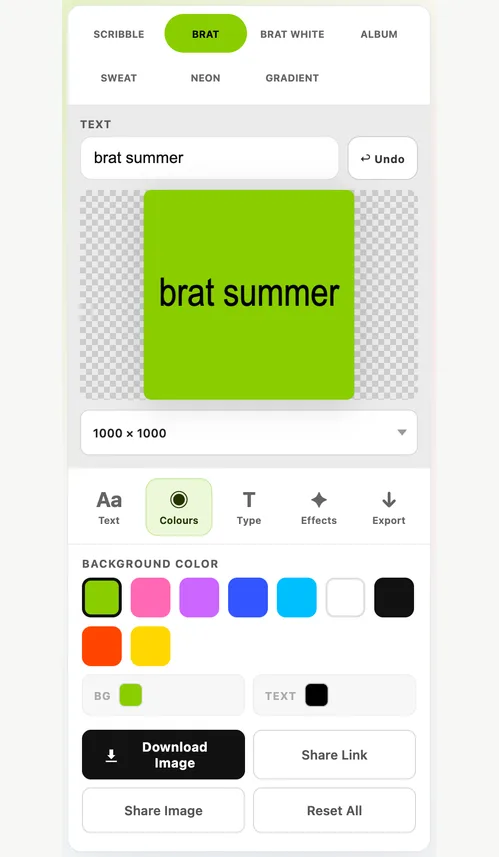
Choose classic green, Brat White, Sweat, Neon or another style, or set your own colours.
Step 3
Press Download sticker (WebP) below the generator. It saves a 512 × 512 file under 100 KB.
Step 4
Open the sticker panel in a chat and choose Create sticker, or import the file into a sticker maker app.
These notes explain the controls that most often change the final result.
Format
WhatsApp stickers are 512 × 512 pixels, and static stickers must be under 100 KB.
Design
Stickers appear small in chat, so simple designs work best.
Styles
Every generator style works as a sticker.
Key Features
The main generator keeps the everyday styling, text-fitting and export controls in one place. Need help choosing a layout? The canvas size guide compares the common options.
Download a WhatsApp-sized sticker in one tap.
Quality is adjusted automatically to meet WhatsApp’s sticker limit.
Save a PNG for sticker apps or share straight to a chat.
Brat, Brat White, Scribble, Album, Sweat, Neon and Gradient.
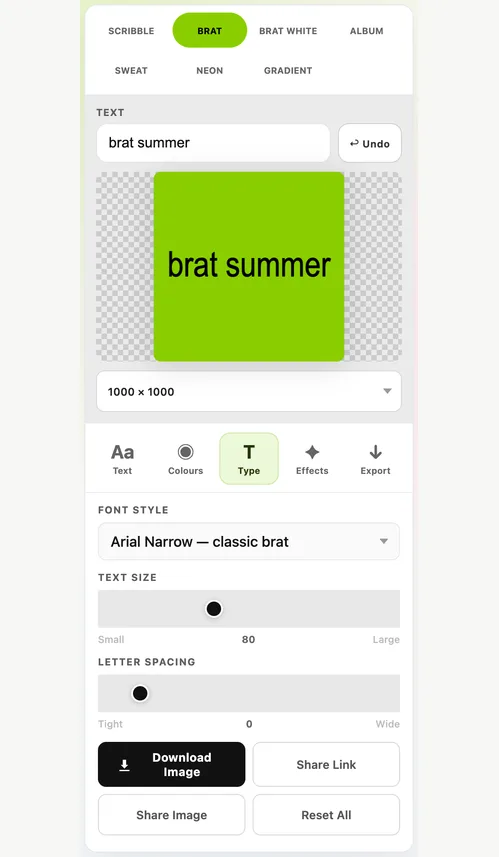
Fine-tune the lettering before you export.
Works in your browser with no sign-up and no watermark.
Use Cases
Reply with a brat sticker instead of a text message.
Make a set of brat stickers with your favourite words and names.
Turn anomali names and inside jokes into brat stickers.
Quick Tips
Keep sticker text to one to three words.
Use high-contrast colours so it reads at small size.
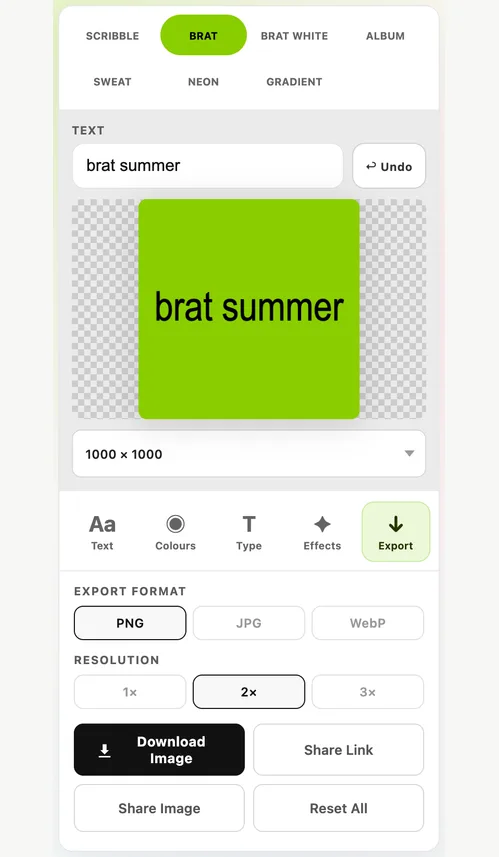
Download WebP for WhatsApp; use PNG for other sticker apps.
FAQ
Answers about WhatsApp sticker size, adding stickers and brat stiker WA.
Type your text, choose a brat style, then press Download sticker (WebP). In WhatsApp, open the sticker panel, choose Create sticker and pick the file, or import it into a sticker maker app.
WhatsApp stickers are 512 × 512 pixels, and static stickers must be under 100 KB. The download from this page meets both.
Yes. Stiker is Indonesian for sticker, so brat stiker WA and brat WhatsApp sticker mean the same thing. The download works for WhatsApp in any country.
Yes. Tap the Brat White style before downloading, or start on the brat generator white page.
Yes. The sticker generator is free, needs no account and adds no watermark.
Ready to create?
Start with text, then refine colour, spacing, blur, effects, and export size.
Start Creating